
A fast barcode billing counter for shops and supermarkets
Receipt printer, scanner, cash drawer and paper rolls that work together with your POS software — set up once, then billing just runs.

Typing prices by hand slows the queue and causes mistakes, and a counter that stops because a printer or roll fails costs sales at the busiest time of day.
How we solve itWe put together a counter that fits your software and space: a receipt printer on USB or LAN, a scanner that reads your product barcodes, a cash drawer that opens on each sale, and rolls in the right size, with a carton in stock so billing never stops.
- 80 mm receipt printers (USB, LAN, Bluetooth)
- 1D and 2D barcode scanners
- Cash drawers that open from the printer
- 80 mm and 57 mm POS rolls by the carton
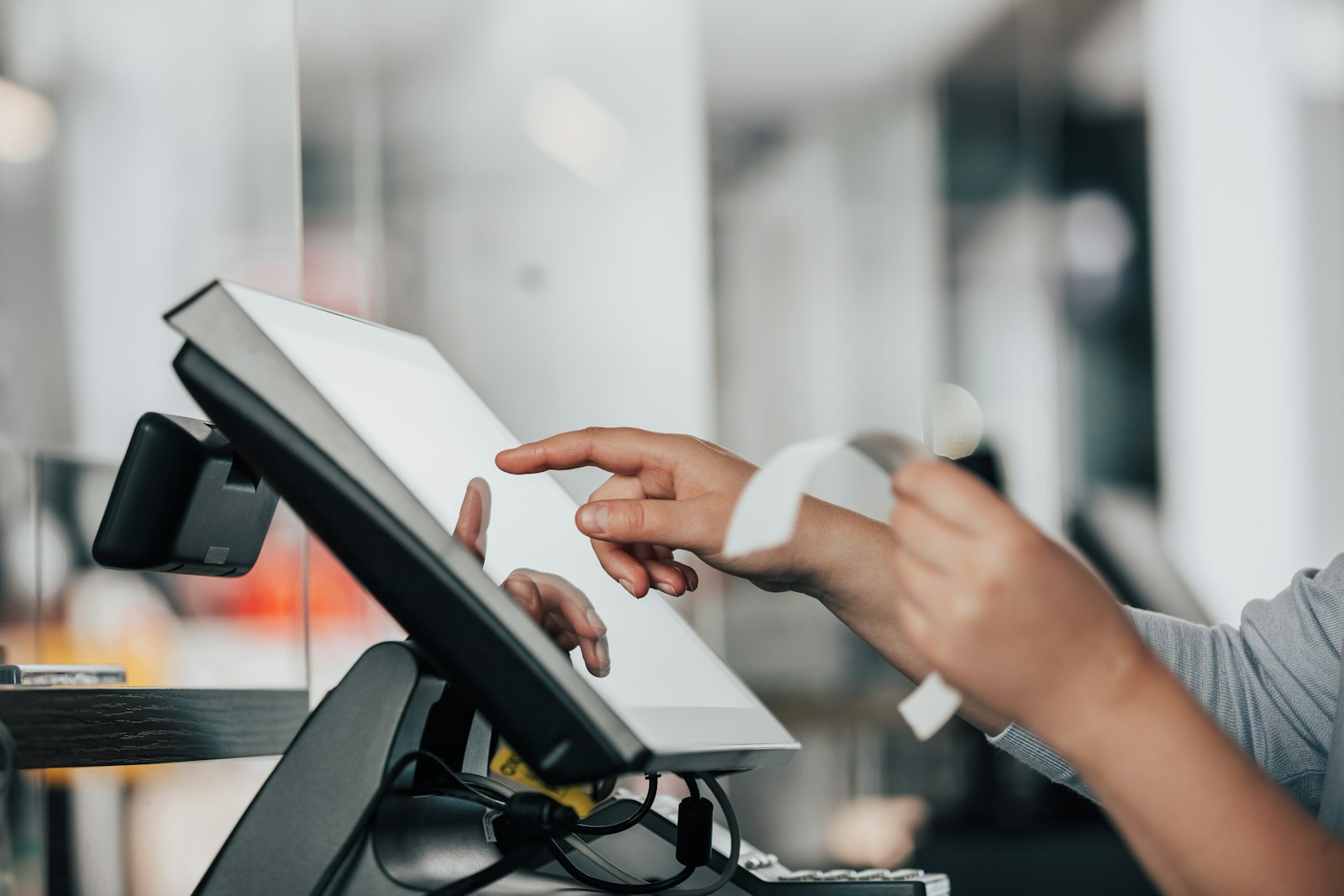
Who this is for
Moving from a calculator or hand-written memo to scanning, with one printer, one scanner and a cash drawer that work first time.
Several tills sharing one system, where every counter should use the same printer and roll so staff can move between them.
Opening new branches and wanting each counter set up the same way, with rolls delivered to each branch.
Your options
The choices that matter for barcode billing counter setup. Not sure? Tell us how you work and we suggest the right ones.
 Receipt printer
USB suits one till. LAN lets several tills or a kitchen share printers, and Bluetooth works with tablets and phones. Tell us your software and we confirm.
See Receipt / POS Printers →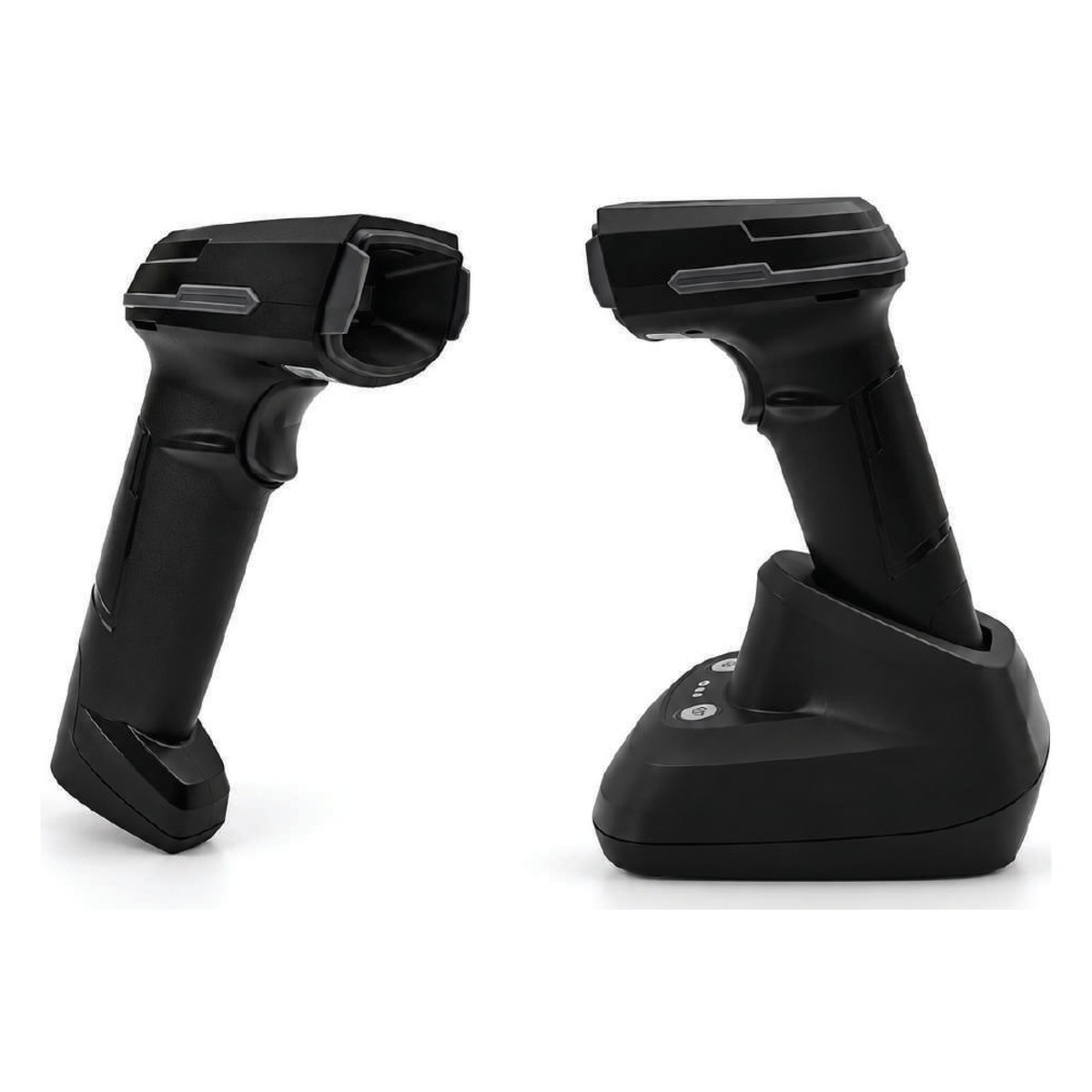 Scanner
1D scanners read product barcodes. Choose 2D when you also scan QR codes and phone screens, and wireless when you count stock away from the counter.
See Barcode Scanners → Cash drawer
A drawer connected to the receipt printer opens by itself when a bill prints, so cash stays closed between sales and each opening goes with a sale.
See Cash Drawers →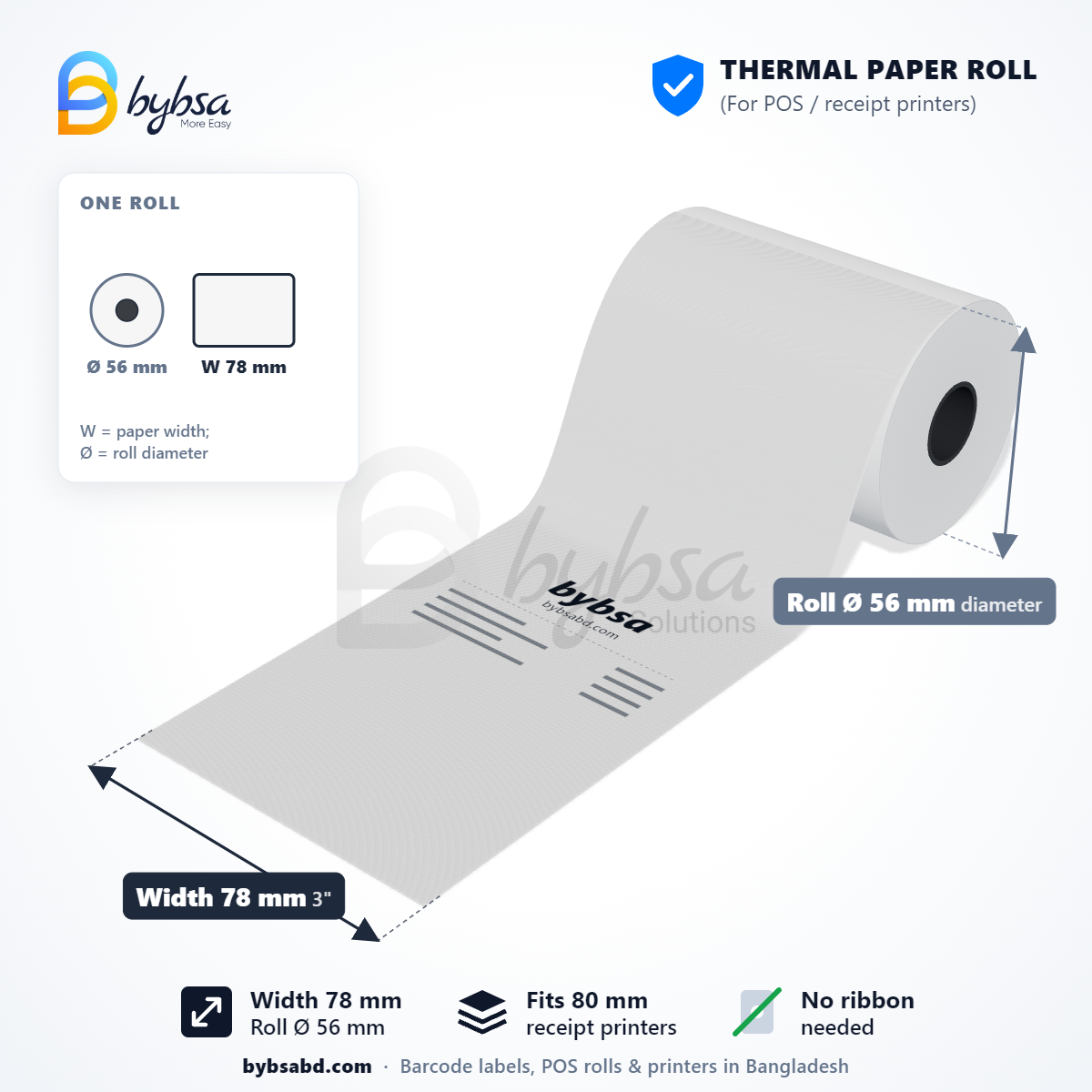 POS rolls
80 mm (78 mm) rolls fit most counters and 57 mm (56 mm) fit small and handheld printers. Longer rolls mean fewer changes in the rush.
See 80 mm POS Rolls (78 mm) →How it works
- 1Tell us your counters
How many tills, your POS software and how you connect.
- 2We suggest the right setup
Label or roll size, material, ribbon and printer, with a price for your monthly quantity.
- 3Setup help
We help connect the printer, drawer and scanner to your software.
- 4Regular supply
Bulk delivery to your factory, warehouse or branches in all 64 districts, with invoices in your company's name.


Built for large-scale supply
From one site to a nationwide network, we make, stock and deliver at the scale your operation runs. These are photos from our own factory.
- 60,000 rolls a dayOur factory makes POS rolls every day, so chains get the same roll at every branch.
- Many sites, one supplierDelivery to every factory, branch or site on one schedule, with one invoice.
- Setup and serviceWe help install printers and scanners, set up layouts and keep spare parts in stock.
Questions about barcode billing counter setup
Will the printer work with our POS software?
Almost all POS software in Bangladesh supports standard 80 mm thermal receipt printers. Tell us your software and we confirm before you buy.
Which roll size do we need?
Most counter printers use 80 mm (78 mm) rolls; small and handheld printers use 57 mm (56 mm). Longer rolls mean fewer changes during rush hours.
What do we need for one complete counter?
A receipt printer, a barcode scanner, a cash drawer and a carton of rolls, plus your POS software on a computer or tablet. Tell us what you already have and we suggest only what is missing.
 Price & shelf labelling